5. Configure Webhooks
Webhooks allow Novasend to notify your system in real time about transactions events such as payments.
Steps:
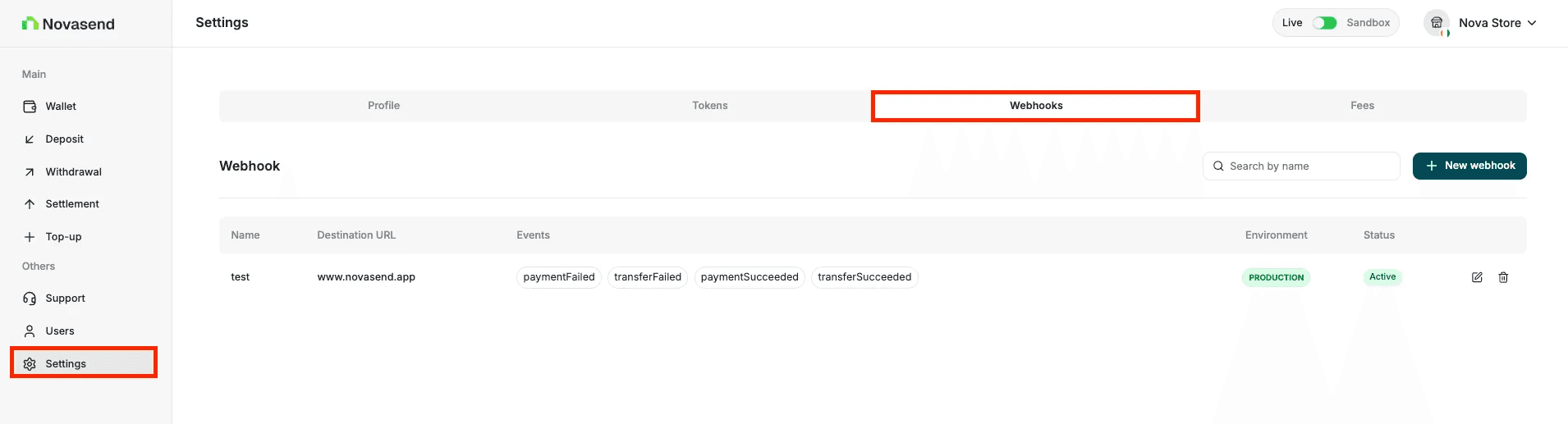
- Go to Settings
- Open the Webhooks tab
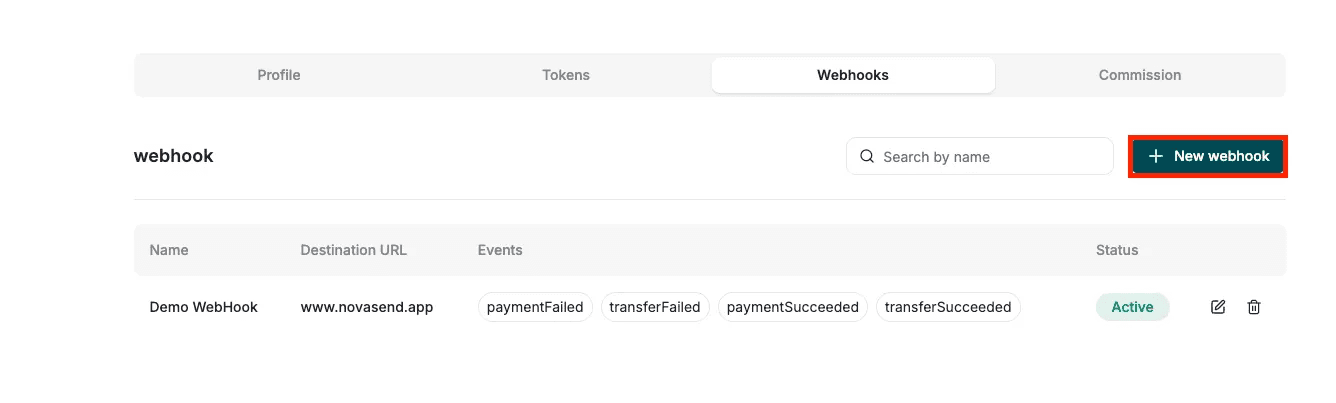
- Click on New webhook button
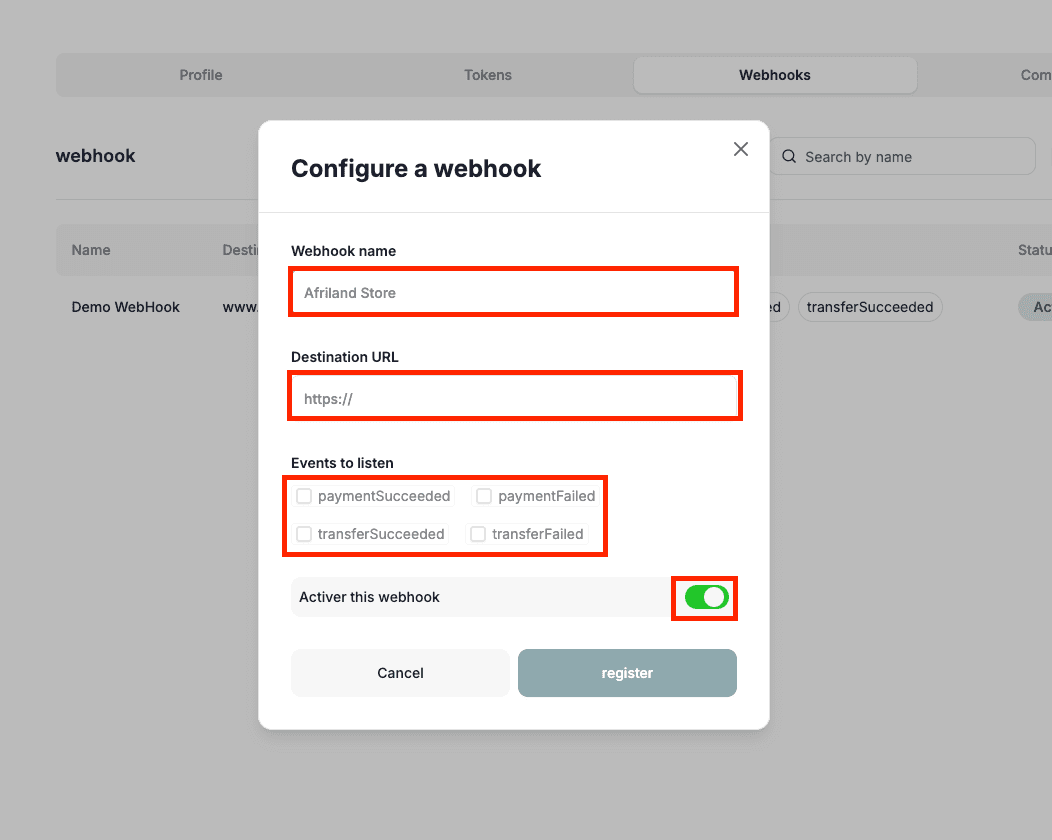
- Enter:
- Webhook name
- Destination URL
- Events to listen
- Activate the webhook
- Click Register
Once added, Novasend will start sending event payloads to your endpoint.
Last updated on