3. Change Your Current Password
If your account was created with a phone number already linked to a Novasend mobile account, you must change your password directly from the Novasend mobile application.
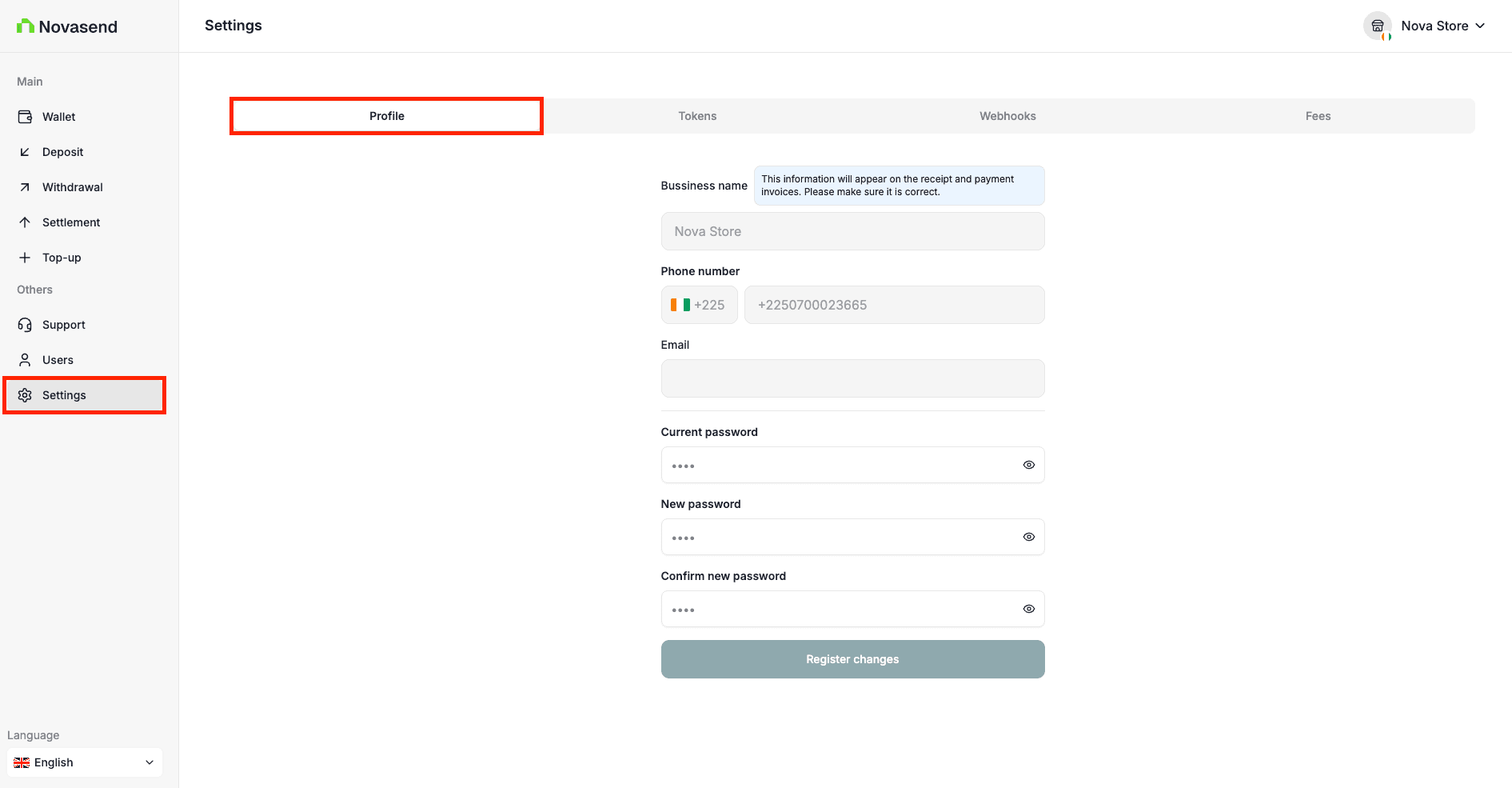
To change your password while logged in:
- Go to Settings in the sidebar
- Open the Profile Tab
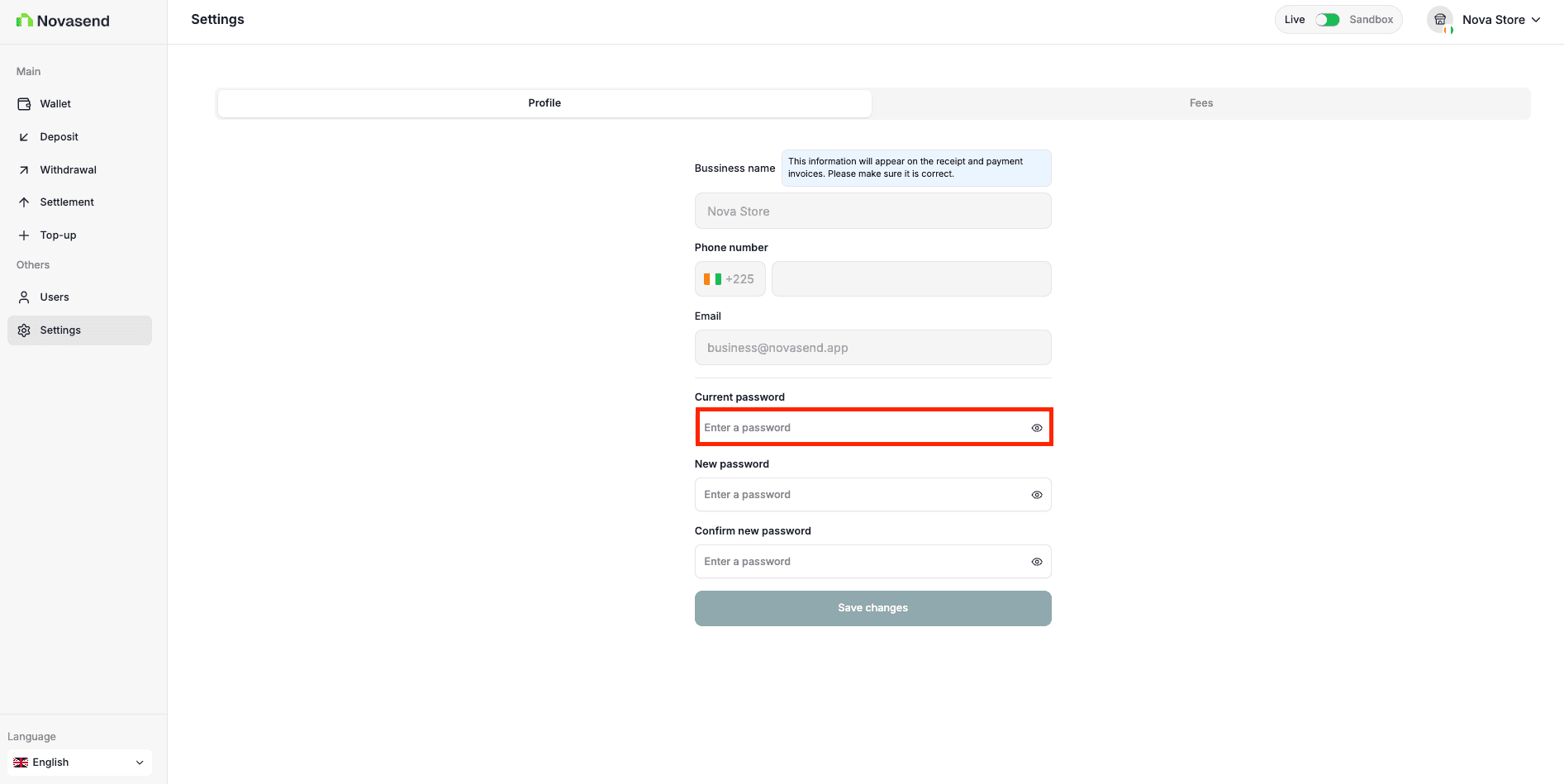
- Enter your current password
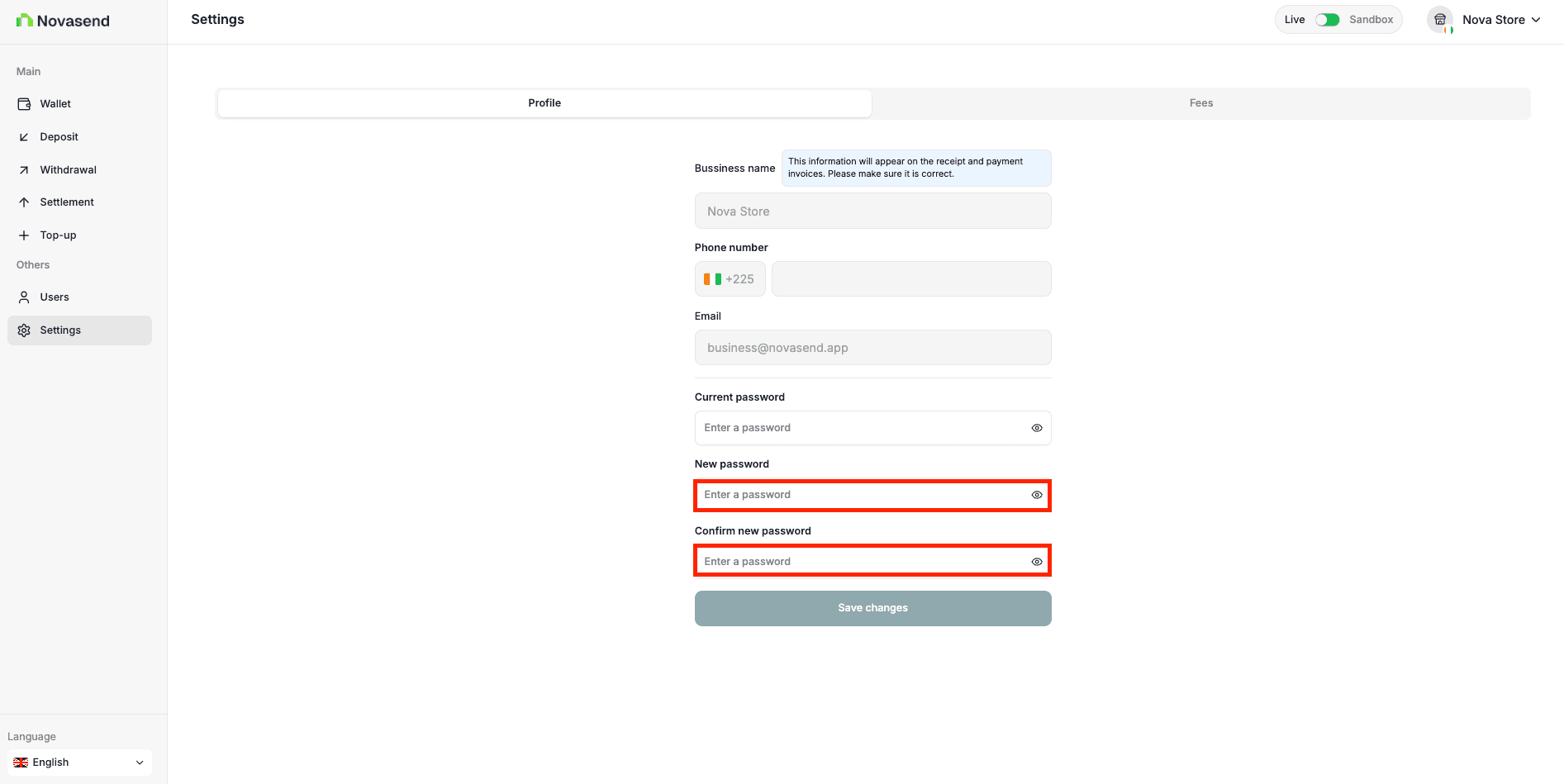
- Enter your new password
- Confirm the new password
- Click save changes.
Last updated on