8. Export reports
You can export transaction and activity reports for accounting and reconciliation purposes.
How to export a report ?
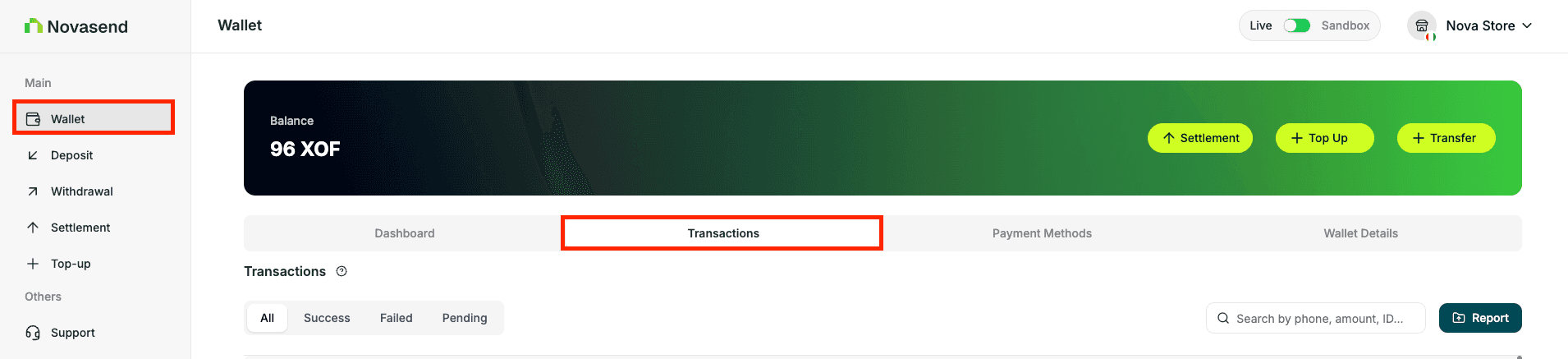
- Go to Wallet
- Open Transactions
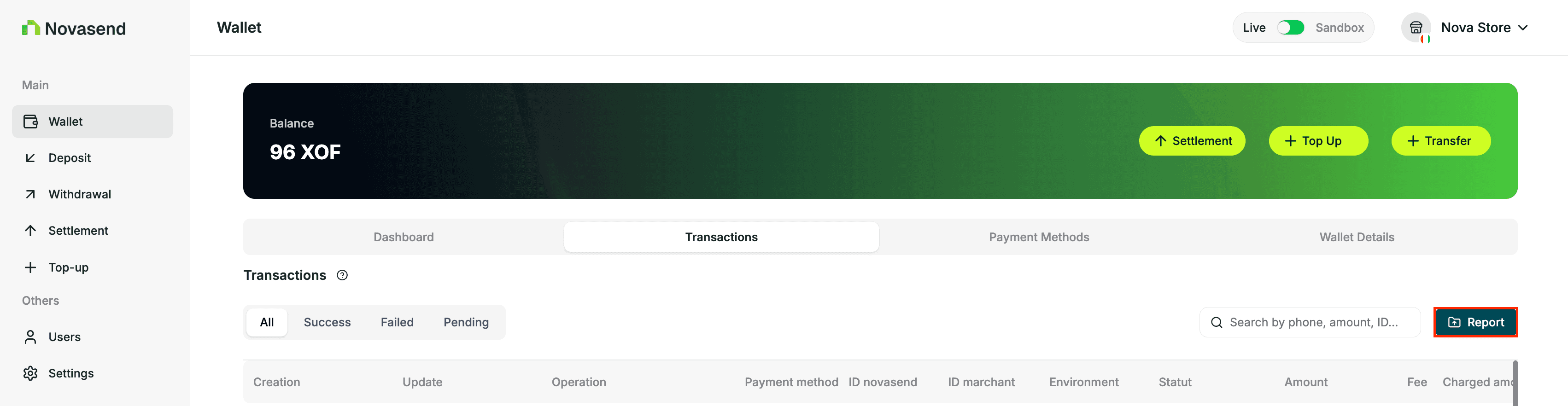
- Click Reports
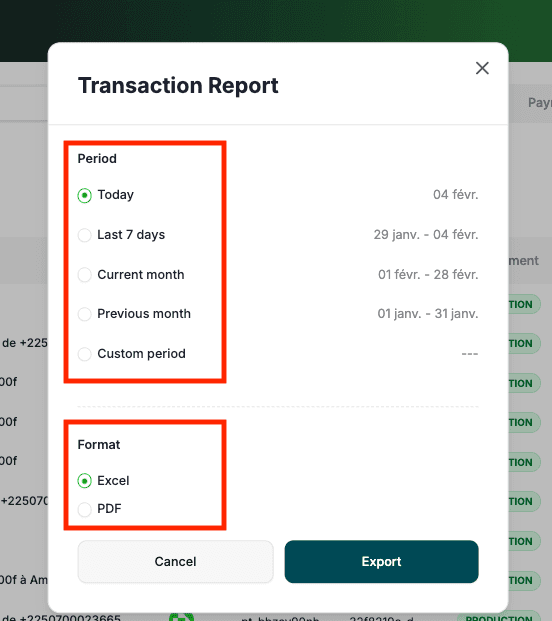
- A popup will open to configure your export:
- Select the Period (Today, Last 7 days, etc.)
- Select the Format of report you want (Excel, PDF)
- Click Export to download the report
Last updated on