1. Authentication
To access the Novasend Business portal, visit the following link:
You will land on the login page.
Login credentials
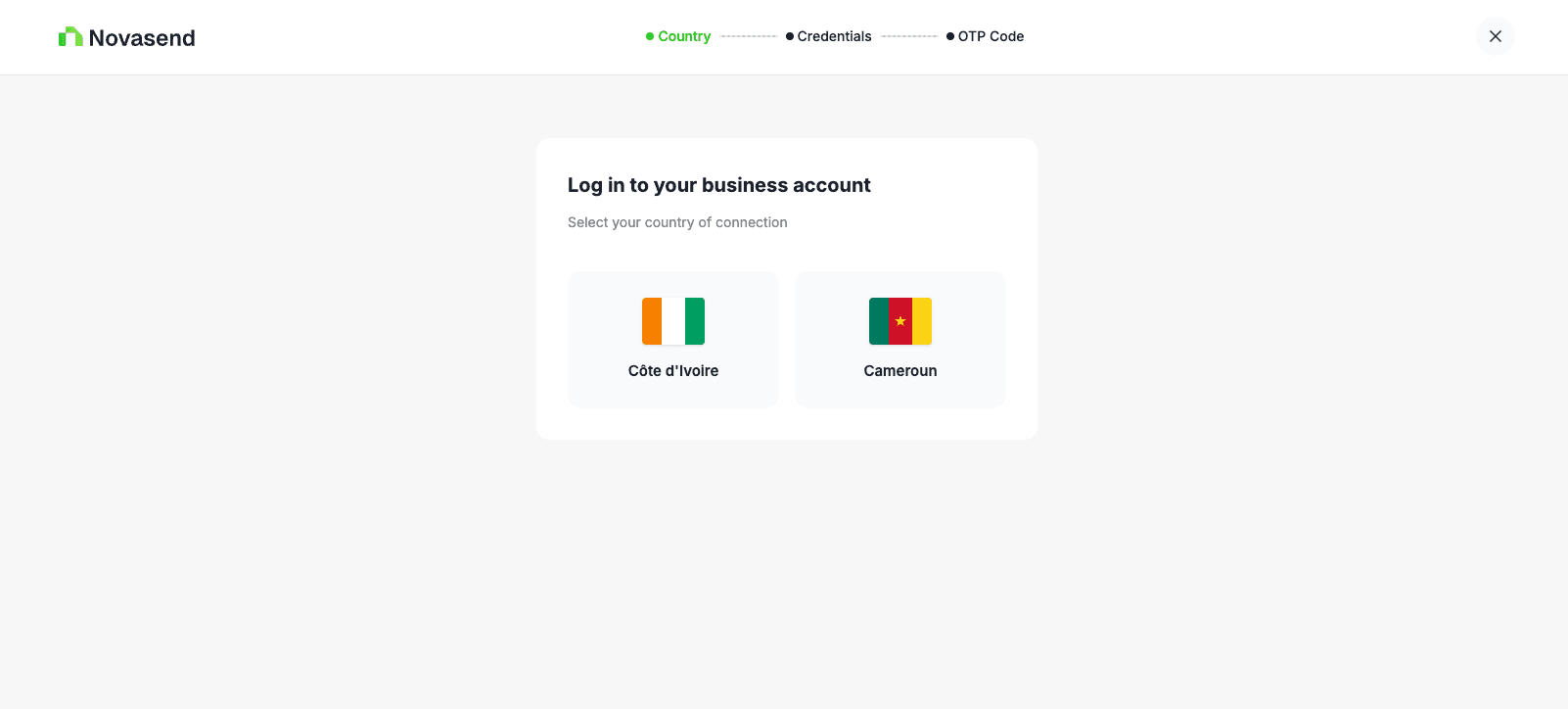
To log in, you must select the country where you opened your account.
Select the country by clicking on its flag.
You can log in using either of the following identifiers:
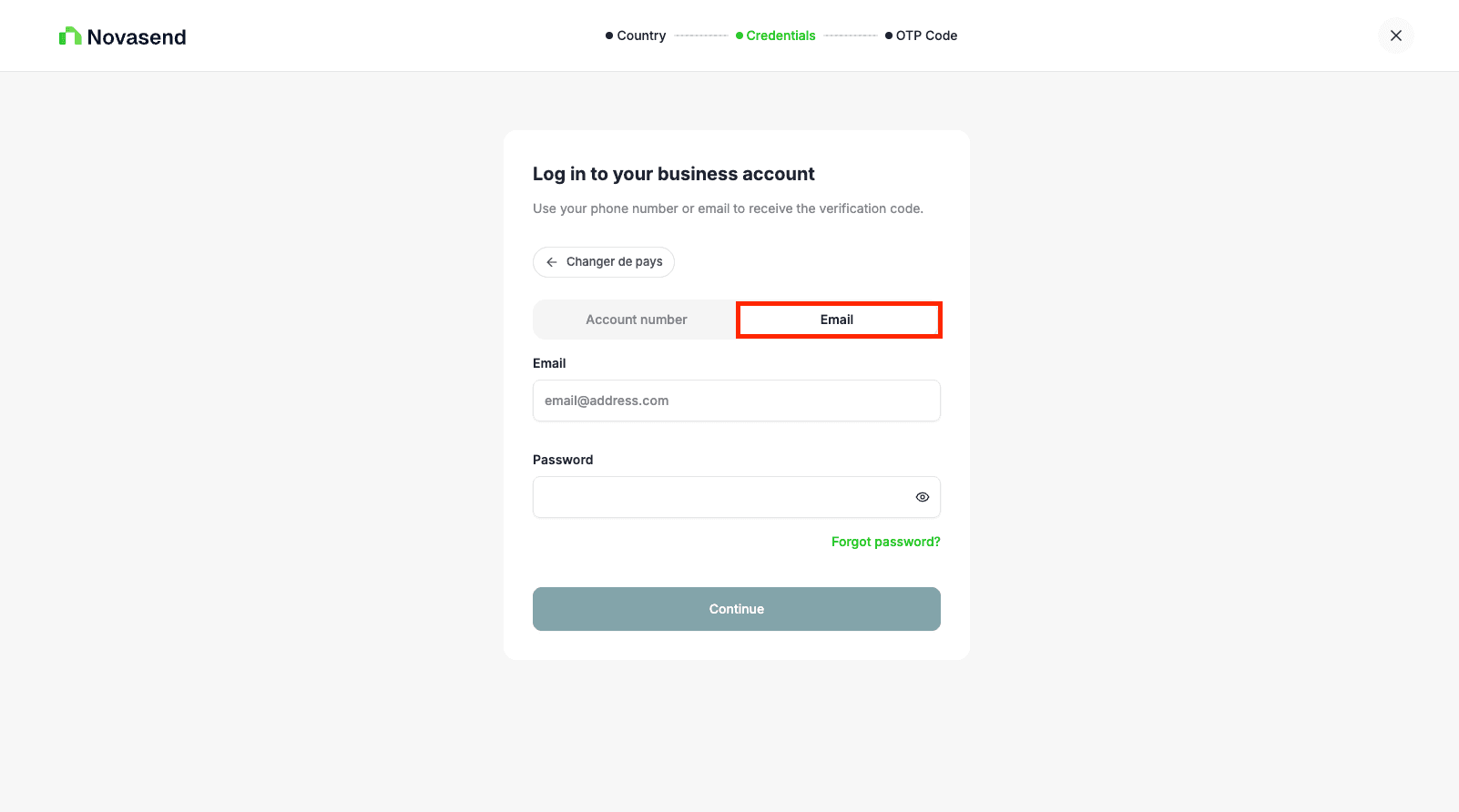
Option 1: Email
- Email address
- Password
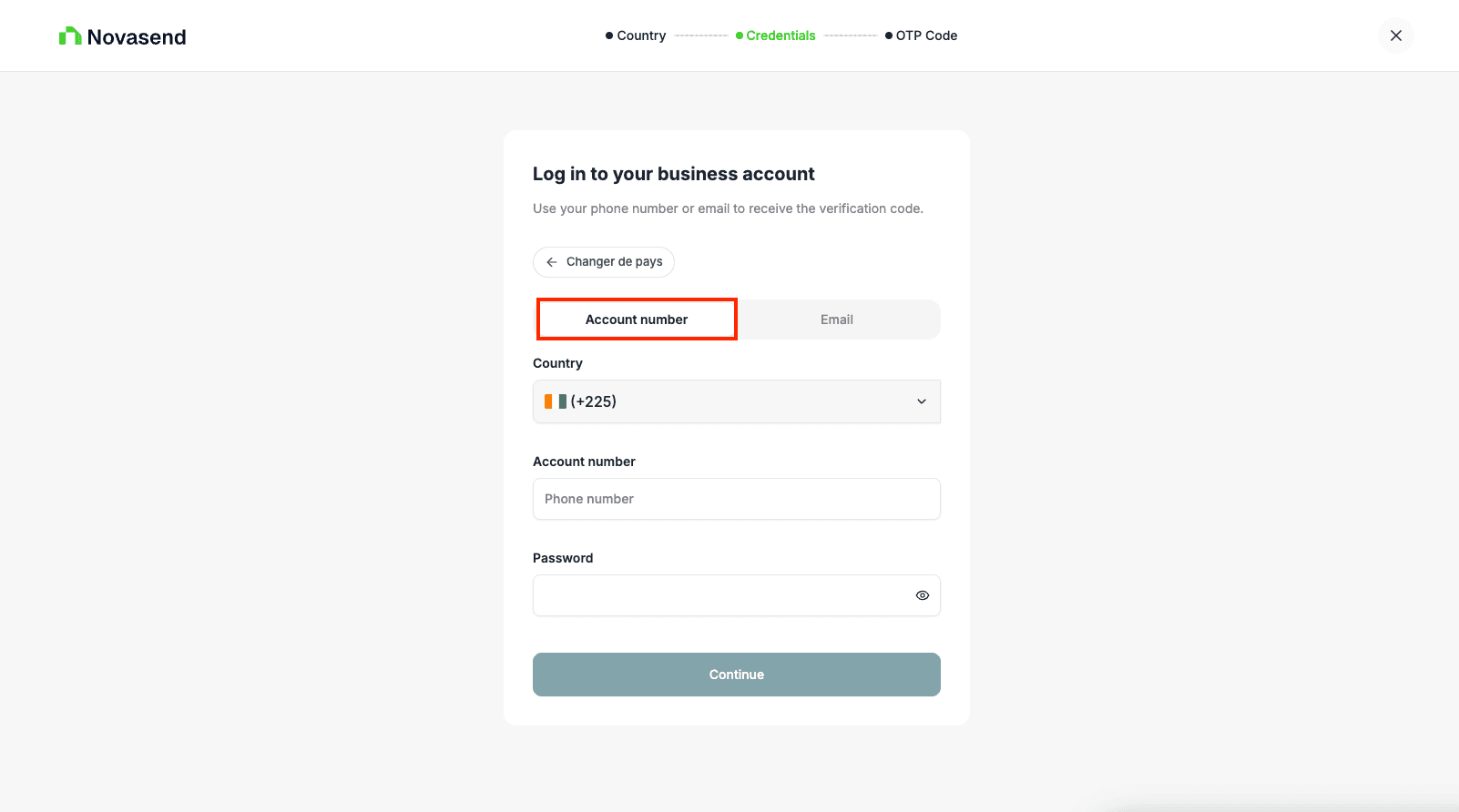
Option 2: Phone number
- Phone number (with country code)
- Password
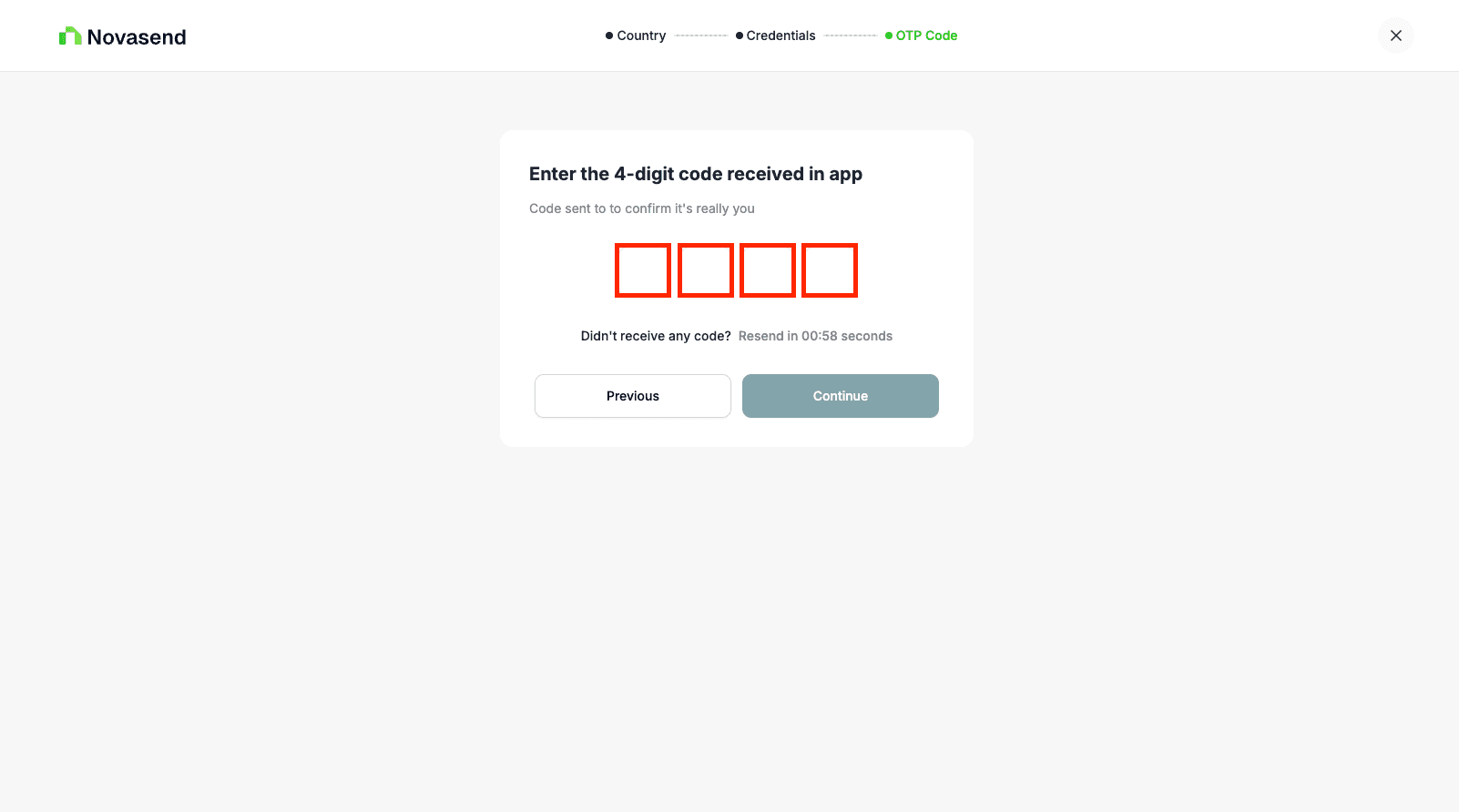
2FA Verification (OTP)
After clicking Login, you will be redirected to the verification page.
- Enter the 4-digit code sent to your Novasend mobile app or via email.
- Click Continue.
Last updated on